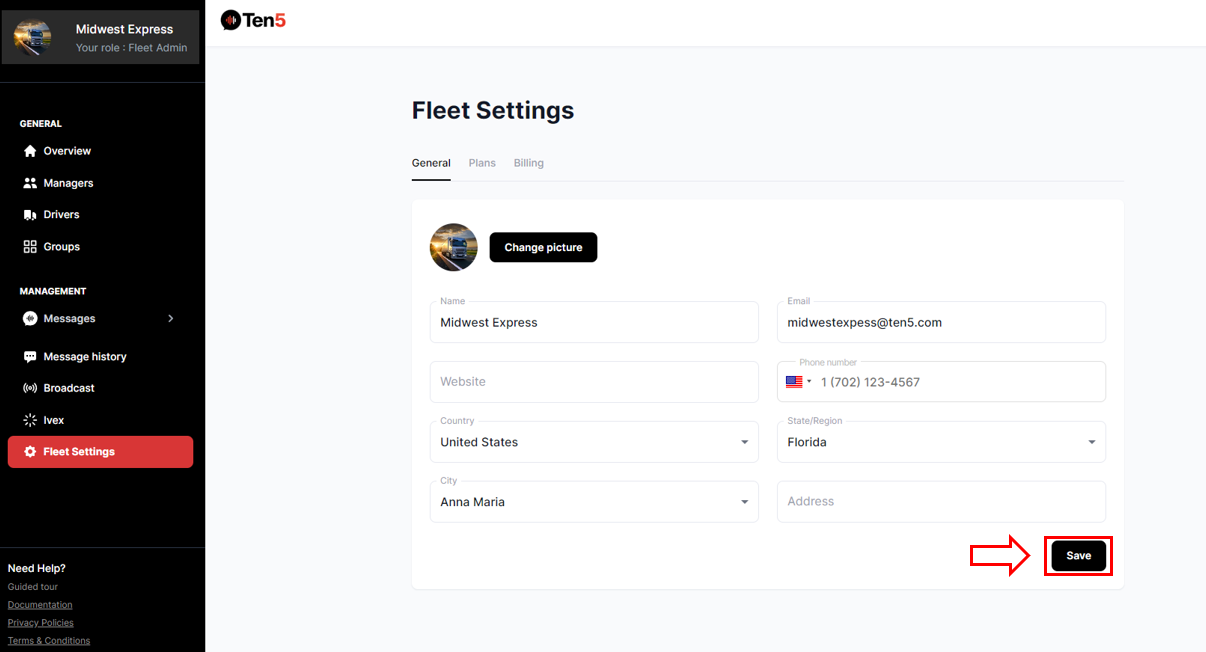
Changing fleet information as a fleet admin user
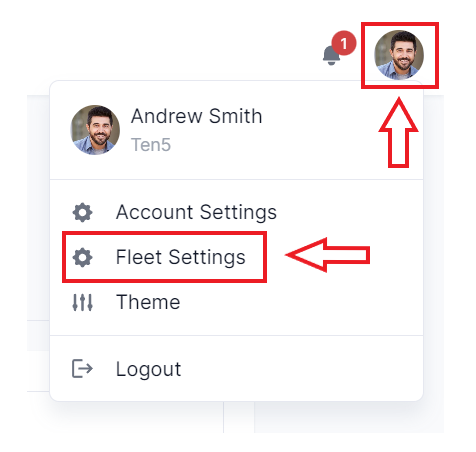
Log in as fleet admin user and on the top right of the page click on the user icon button and select Fleet Settings.
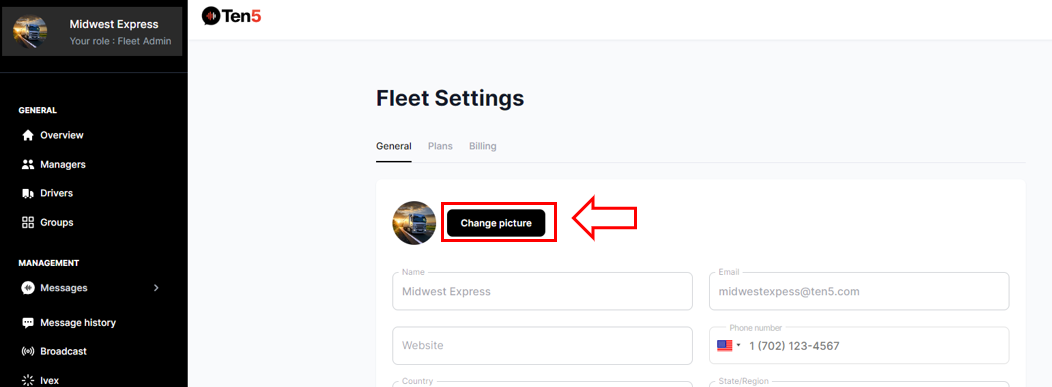
Changing fleet image
Click on the Change picture button and upload an image.
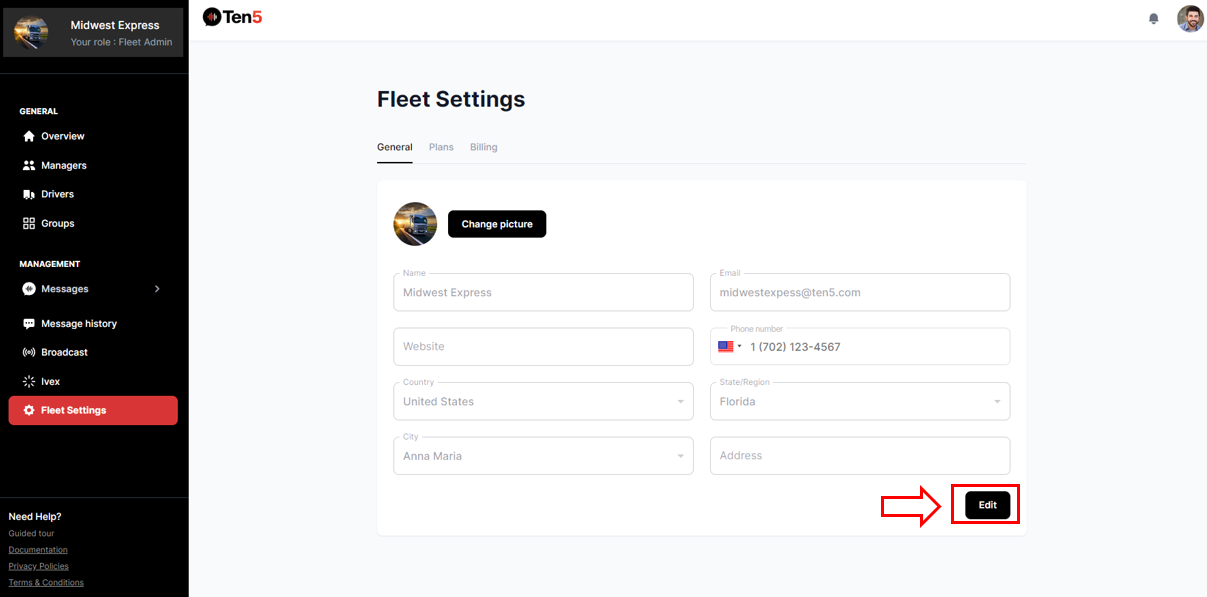
Changing fleet information
Click on the Edit button.
Edit any information and click on the Save button.